


Description
Slice & Score in Fruit Ninja Classic
Overview
Fruit Ninja Classic delivers a fast-paced, arcade-style gaming experience rooted in the iconic mobile phenomenon. Designed for casual players and fans of quick-action games, it brings the beloved fruit-slicing mechanics to desktop platforms with updated visuals and new gameplay modes. The core premise remains unchanged: players swipe across the screen to slice flying fruits while avoiding bombs, aiming to maximize their score through precision and combo-building. This desktop adaptation retains the addictive rhythm of the original, making it ideal for short bursts of entertainment or extended play sessions. Target users include families, children, and anyone seeking a lighthearted escape from daily routines. The game is especially appealing to fans of the Bluey crossover event, which introduces themed levels and playful references from the popular animated series. Real-world usage scenarios include casual gaming during breaks, family game nights, or solo sessions for stress relief. The developer did not provide additional information about the development team or company background.
Key Features & Capabilities
- Classic Mode – Focus on high-score chasing with no time limits, testing precision and reflexes while avoiding bombs.
- Arcade Mode – A 60-second challenge that emphasizes speed and efficiency, with power-ups and special bananas adding strategic depth.
- Zen Mode – A relaxed, bomb-free environment for skill practice and score optimization without pressure.
- Multiplayer Mode – Local competition through two variations: Classic Attack and Zen Duel, supporting social and competitive play.
- Bluey Crossover Event – Limited-time themed levels including Featherwand, Sticky Gecko, Asparagus, and Fruit Salad, featuring characters and settings from the show.
- Dynamic Fruit Variety – A range of fruits appear with different speeds and trajectories, increasing gameplay diversity.
These features cater to a broad audience by offering structured challenges and creative modes. Classic Mode appeals to players focused on mastery, while Arcade Mode suits those who enjoy time-based pressure. Zen Mode serves as a training ground for beginners or those seeking a meditative experience. The multiplayer options enhance replayability by introducing interpersonal competition. The Bluey-themed event adds narrative flair and visual charm, making it a unique draw for fans of the series. Each mode supports different play styles, from reflex-based action to strategic planning, ensuring varied engagement across multiple sessions.
User Interface, Workflow & Performance
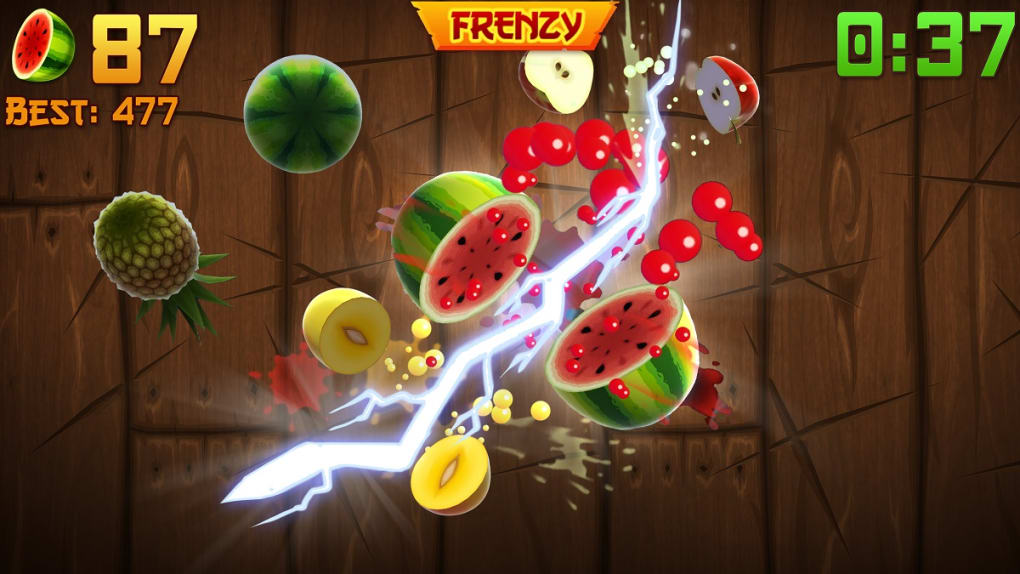
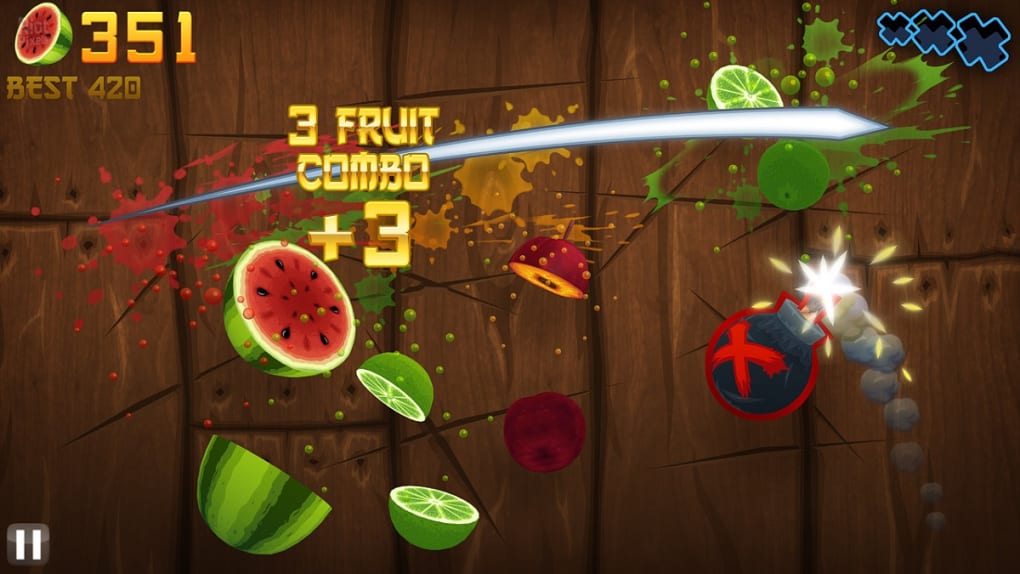
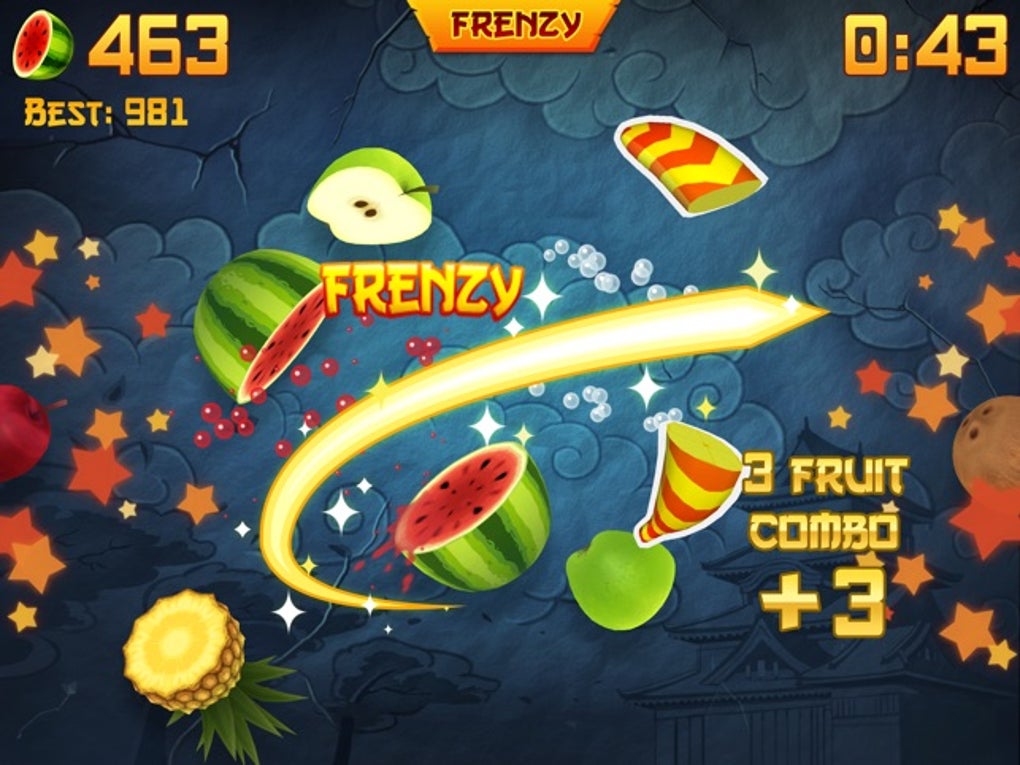
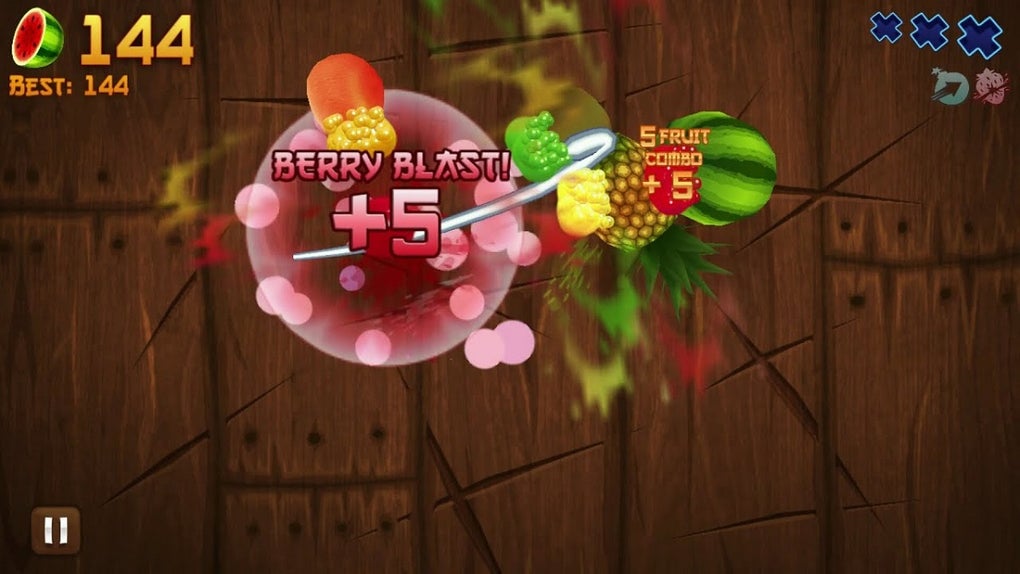
The user interface is designed for intuitive navigation, with a clean layout centered around the main gameplay area. The screen displays flying fruits and bombs in real time, with visual feedback for each slice and score updates in real time. Navigation is straightforward, relying on touch or mouse input to mimic the original swiping motion. The workflow follows a simple pattern: start a mode, slice fruits, avoid bombs, and track scores. Performance observations are based on general software behavior patterns. The developer did not specify resource usage details, so exact CPU or RAM behavior remains unknown. Stability during gameplay appears consistent, with no reported crashes or freezes in available data. The game runs smoothly on supported platforms, and the interface remains responsive during intense action sequences. The absence of complex menus or loading screens contributes to a seamless experience. While the game is designed for short sessions, extended play does not indicate performance degradation in available reports.
Compatibility & System Requirements
Fruit Ninja Classic is available for both Windows and Mac operating systems. The software version is 1.0, with a file size of 150 MB. This indicates a lightweight installation that should not strain most modern desktop systems. The developer did not specify exact system requirements, so compatibility with older or low-end hardware remains unclear. Platform compatibility information is limited to the stated operating systems. No additional hardware dependencies such as graphics cards or controllers are mentioned. Installation is expected to be quick and straightforward, given the modest file size. Users should verify their system meets minimum requirements for their OS, though specific details were not provided. The game is designed for desktop use, suggesting support for standard mouse and keyboard inputs, though touch input may be limited depending on device capabilities.
Pros and Cons
Pros
- Lightweight installation at just 150 MB
- Multiple gameplay modes for varied experiences
- Family-friendly and suitable for all ages
- Bluey crossover event adds unique, themed content
- Free to download and play
- Simple mechanics with a quick learning curve
Cons
- Core gameplay remains repetitive over extended use
- Limited information on system requirements
- No details on performance under heavy load
- Multiplayer functionality may require local network setup
- Long-term engagement may depend on event-based content
FAQ Section
Is Fruit Ninja Classic free to download?
Yes, the software is available at no cost. There are no hidden fees or in-app purchases required to access the core gameplay features.
Which operating systems does Fruit Ninja Classic support?
Fruit Ninja Classic is compatible with both Windows and Mac platforms. No additional OS-specific versions were mentioned.
Can I play Fruit Ninja Classic offline?
Yes, the game does not require an internet connection to run. Players can enjoy all modes without needing to be online.
Are there any in-app purchases or ads?
The developer did not specify the presence of ads or in-app purchases. Based on the current release, the game appears to be ad-free and free of monetization elements.
How often are new updates released?
Update frequency was not disclosed. The current version is 1.0, and no information was provided about future release schedules.
Final Thoughts + CTA
Fruit Ninja Classic stands out as a polished desktop adaptation of a beloved mobile classic. Its blend of simple mechanics, diverse gameplay modes, and the recent Bluey crossover event offers a refreshing and family-friendly gaming experience. The lightweight design and free access make it accessible to a wide audience. While the repetitive nature of slicing fruit may limit long-term appeal for some, the variety of modes and thematic content helps sustain interest. The game is ideal for quick entertainment, casual play, or shared family fun. With its nostalgic charm and modern updates, it delivers a satisfying experience for both longtime fans and new players. Download Fruit Ninja Classic now.
Guides & Tutorials for Fruit Ninja Classic
How to install Fruit Ninja Classic
- Click the Preview / Download button above.
- Once redirected, accept the terms and click Install.
- Wait for the Fruit Ninja Classic download to finish on your device.
How to use Fruit Ninja Classic
This software is primarily used for its core features described above. Open the app after installation to explore its capabilities.
User Reviews for Fruit Ninja Classic 0
No reviews found





